
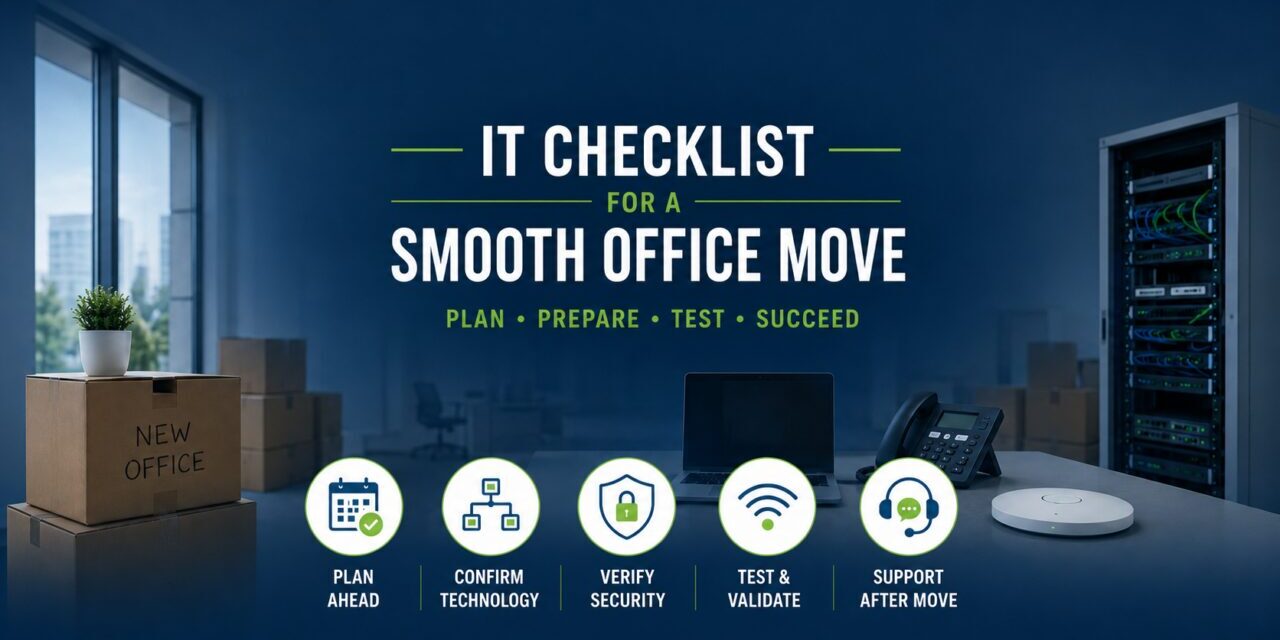
Quick Answer: What IT should be planned before an office move?
Before an office move, remodel, expansion, or new location, a business should review internet timing, structured cabling, firewall and switch capacity, Wi-Fi coverage, phones, printers, Microsoft 365 and cloud access, remote users, cybersecurity settings, backups, documentation, vendor responsibilities, testing, and post-move support. The goal is simple: make sure the new office is operational on day one, not just physically ready.
For Houston small and midsized businesses, office moves often involve several vendors at once: the landlord, internet provider, cabling company, phone provider, copier vendor, security vendor, and IT support provider. If no one owns the technology timeline, small delays can become downtime.
Planning a move in the next 3 to 18 months?
Use Crescent IT Systems’ Office Move IT Readiness Checklist to spot common technology risks before they delay your team. It covers internet, cabling, Wi-Fi, firewalls, phones, printers, backups, cybersecurity, vendor coordination, and move-day testing.
Get the Office Move Checklist
Why office moves create IT problems
An office move is not only a facilities project. It is a technology continuity project. A company may tolerate weak Wi-Fi, aging switches, undocumented settings, or unreliable remote access in the old office because employees have learned workarounds. A new space breaks those workarounds.
- The new layout may require different Wi-Fi coverage and access point placement.
- More users, cloud traffic, video meetings, and phones may strain old switches or firewalls.
- Internet circuit installation may take longer than expected.
- Printers, VoIP, Teams calling, security devices, and line-of-business systems may need coordination.
- Rushed firewall, guest Wi-Fi, or remote access changes can create security gaps.
- Poor documentation can slow down troubleshooting during the most stressful week of the move.
Office Move IT Timeline: What to check and when
| Timeline | Technology items to confirm |
|---|---|
| 90 to 120 days before move | Confirm move date, floor plan, internet lead times, cabling needs, phone/VoIP plan, key vendors, and whether current firewall, switches, and access points are still appropriate. |
| 60 days before move | Schedule internet and cabling work, review network design, plan Wi-Fi coverage, confirm rack/network closet needs, document vendor contacts, and identify equipment that should be replaced. |
| 30 days before move | Validate Microsoft 365/cloud access, backup status, remote access, printers, phones, security tools, user counts, workstation locations, and cutover responsibilities. |
| 7 days before move | Test internet where possible, confirm cabling labels, verify firewall/switch configuration plan, prepare user communication, and define who is available on move day. |
| Move day and first week | Test Wi-Fi, phones, printers, cloud apps, file access, backups, remote access, and security tools. Keep support available for rapid fixes and user issues. |
The 8 IT areas every moving business should review
1. Internet and ISP timing
Do not assume the new office can get the same speed, provider, or installation date. Internet delays are one of the fastest ways to delay opening day.
2. Cabling and network closet readiness
Workstation drops, conference rooms, access points, phones, printers, cameras, and network equipment all need placement decisions before walls and furniture are finalized.
3. Firewall and switch capacity
Equipment that still powers on may not be right for more users, more cloud traffic, VoIP, or current cybersecurity requirements.
4. Wi-Fi coverage
Wi-Fi should be planned around the new floor plan, wall materials, conference rooms, shared areas, guest access, and device density, not guessed after move-in.
5. Phones, Teams calling, and printers
Phone and printer issues can make a new office feel broken even when the internet works. Confirm call flow, fax needs, copier locations, print drivers, and vendor ownership.
6. Microsoft 365, cloud apps, and remote access
Moving offices often changes how employees connect. Review cloud access, MFA, VPN or secure remote access, file access, and hybrid worker needs before cutover.
7. Cybersecurity settings
Rushed firewall rules, guest Wi-Fi, unmanaged devices, and undocumented remote access can create avoidable security gaps.
8. Backup and disaster recovery
Confirm that critical data is protected before, during, and after the move. A move is a bad time to discover backups were incomplete or untested.
Common mistakes that cause move-day disruption
- Waiting until the move is already scheduled to involve IT.
- Assuming current equipment can simply be unplugged and reused without review.
- Treating Wi-Fi as an afterthought.
- Not assigning one person to coordinate internet, cabling, phones, printers, security, and IT vendors.
- Moving without accurate network documentation.
- Skipping testing before the first full workday in the new space.
- Ignoring remote users, cloud access, cybersecurity, and backups during move planning.
Questions to ask your IT provider before the move
- Who is responsible for the technology timeline?
- Has the new floor plan been reviewed for Wi-Fi, cabling, printers, phones, and network closet needs?
- Will the current firewall, switches, and access points support the new office?
- Has the internet circuit been ordered with enough lead time?
- How will remote users and cloud systems be supported during the transition?
- How will backups and cybersecurity tools be validated before and after the move?
- Who will test systems before employees arrive?
- Who will be available during move day and the first week after the move?
Quick self-assessment for business owners
If you answer yes to three or more of these questions, network and IT planning should be treated as a core part of your move, not a side task.
- Are you adding users, rooms, devices, or locations?
- Is your current Wi-Fi already inconsistent?
- Are your firewall, switches, or access points older or hard to support?
- Do you depend on Microsoft 365, cloud apps, VoIP, or remote workers?
- Would even one day of downtime create a business problem?
- Are multiple vendors involved in the move?
- Is your current network documentation incomplete or outdated?
Conclusion: Make the new office operational, not just occupied
A successful office move should feel uneventful from a technology standpoint. Employees should arrive, connect, make calls, access cloud systems, print, join meetings, and work without spending the first week reporting preventable problems.
The best time to find weak Wi-Fi, aging firewalls, internet delays, poor documentation, backup gaps, or vendor confusion is before the move. Planning early helps reduce downtime, avoid last-minute surprises, and keep the business moving.
Planning an office move, remodel, expansion, or new location in Houston?
Crescent IT Systems can help you identify network, internet, Wi-Fi, firewall, backup, cybersecurity, and vendor coordination risks before they disrupt your move.