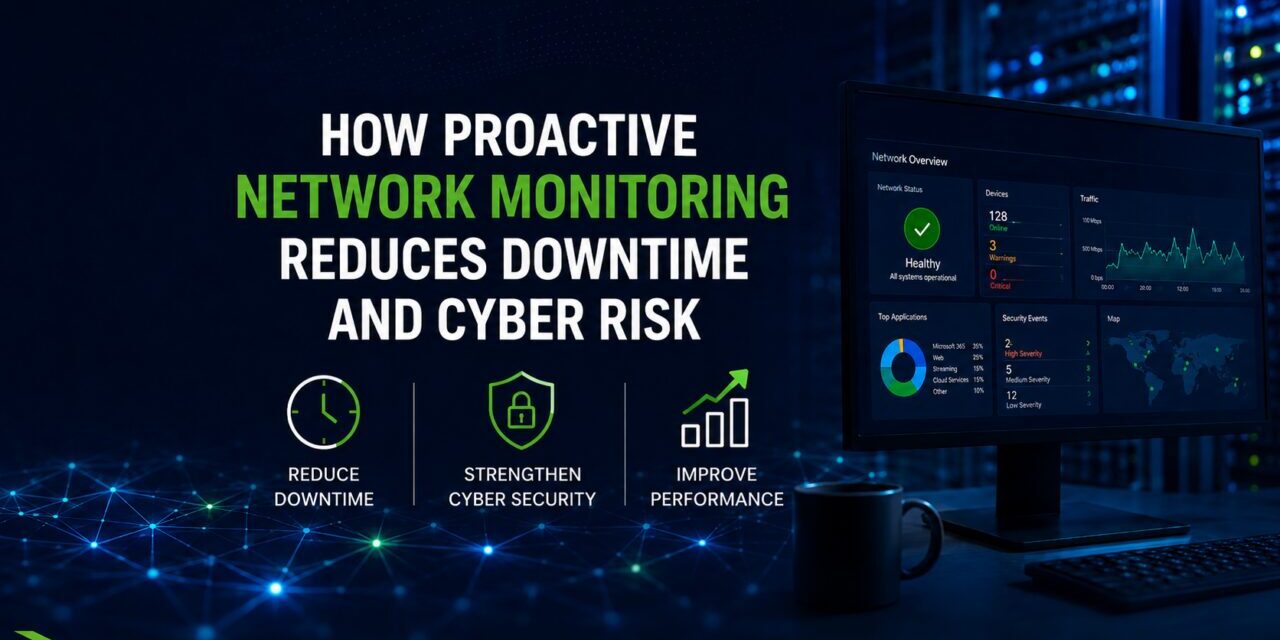
Network monitoring helps protect small and midsize businesses by watching the systems that keep work moving: firewalls, servers, devices, traffic, internet connections, and performance signals. From a cybersecurity standpoint, it gives your IT team visibility into suspicious activity, outages, unusual traffic, failing equipment, and weak points that could lead to downtime or exposure.
For Houston-area SMBs, 24/7 remote monitoring and NOC services should be treated as part of cybersecurity, not just a way to keep the internet online. Antivirus, email filtering, and employee training matter, but they do not show what is happening across your network around the clock. A monitored network helps your business catch problems earlier, respond faster, and reduce the chance that a small issue becomes a costly interruption.
What Is Network Monitoring in Plain English?
Network monitoring is the ongoing observation of your business technology environment.
It watches things like firewalls, switches, routers, servers, wireless access points, internet connections, traffic patterns, device health, and alerts. The goal is to identify signs of failure, suspicious behavior, or performance issues before they disrupt the business.
For a non-technical decision-maker, the easiest way to think about it is this:
Network monitoring is like having visibility into the roads your business technology uses every day. If traffic suddenly spikes, a bridge is failing, an unknown vehicle appears, or a route goes down, someone needs to know.
In a business setting, that visibility can help protect email, cloud applications, file access, phones, remote workers, point-of-sale systems, production systems, and customer-facing operations.
Why Does 24/7 Monitoring Matter for Cybersecurity?
Cybersecurity threats do not follow office hours. Many attacks, outages, failed updates, and equipment problems happen at night, over weekends, or during holidays when no one is watching closely.
That is why 24/7 monitoring matters. It helps identify problems when they begin, not only when employees arrive the next morning and report that “nothing is working.”
A good monitoring strategy can help detect:
- Unusual traffic patterns.
- Repeated failed login attempts.
- Firewall or VPN issues.
- Unknown devices appearing on the network.
- Servers or systems going offline.
- Internet outages.
- Wireless access point failures.
- Storage or backup-related warnings.
- Device health problems.
- Security alerts from monitored
This does not mean monitoring magically stops every cyberattack. It means your business has better visibility, faster awareness, and a stronger foundation for response.
How Does Network Monitoring Fit Into the Cybersecurity Landscape?
Network monitoring fits into cybersecurity by supporting detection, response, and prevention.
Many SMBs think cybersecurity is mostly about blocking threats before they arrive. That is only one part of protection. A practical cybersecurity program also needs to detect unusual activity, respond quickly, document what happened, and reduce the chance of repeat issues.
Network monitoring supports that by watching the environment where users, devices, cloud systems, and remote access connect. It works alongside cybersecurity services, managed IT services, firewall management, backup planning, and remote work support.
Without monitoring, your IT provider may only learn about a problem after employees complain, customers are affected, or systems are already down.
What Does Network Monitoring Watch?
Network monitoring can cover several parts of the business technology environment.
Firewalls and Internet Connections
Your firewall is a major control point between your business and the internet. Monitoring can help identify firewall availability, unusual traffic, VPN issues, and connection problems.
If the firewall goes down, is overloaded, or starts showing abnormal behavior, the business needs to know quickly. For many SMBs, the firewall is also tied to secure remote access, vendor connections, and branch office connectivity.
Servers, Switches, and Network Devices
Switches, routers, and servers are easy to forget because they often sit in closets or server rooms. But when they fail, the impact can be immediate.
Monitoring can help detect device outages, high utilization, hardware warnings, and connectivity issues. This is especially important for businesses that depend on shared files, accounting systems, industry software, phones, or internal applications.
Wi-Fi and Access Points
Wi-Fi problems can affect productivity, customer experience, warehouse operations, conference rooms, and mobile devices. Monitoring can help identify offline access points, overloaded wireless areas, and equipment problems.
Wi-Fi monitoring also matters for security because unknown or poorly secured wireless access can create unnecessary exposure.
Remote Access and VPN Connections
Remote and hybrid work depend on secure, reliable access. Monitoring can help identify remote access problems, connection failures, and unusual patterns that may deserve attention.
This connects directly with remote office support, because remote work security depends on more than simply allowing employees to log in from home.
Cloud and Business Application Connectivity
Many SMBs rely on cloud systems for email, files, phones, backups, accounting, customer records, and collaboration. Monitoring helps identify whether network issues are affecting access to these systems.
This matters because cloud performance problems are not always caused by the cloud provider. Sometimes the issue is local internet, DNS, firewall configuration, wireless performance, or a network device.
How Monitoring Helps Reduce Cybersecurity Risk
Network monitoring helps reduce cybersecurity risk by giving your IT team useful signals.
It Improves Visibility
You cannot protect what you cannot see. Monitoring helps reveal what devices are connected, what systems are offline, and where unusual activity may be happening.
For SMBs that have grown over time, this visibility is often the first step toward better security.
It Speeds Up Response
The faster a problem is noticed, the faster it can be investigated. This matters for both cybersecurity and downtime.
A slow network, failing firewall, unusual login pattern, or offline backup device may not seem urgent at first. But when ignored, these issues can become larger incidents.
It Supports Proactive Maintenance
Monitoring is not only about security alerts. It also helps identify equipment health, performance problems, and warning signs.
That supports a more proactive model of IT support, where problems are addressed before they interrupt employees. This aligns with the broader goal of managed IT services: reducing downtime and helping the business stay productive.
It Helps Protect Backup and Recovery
Backups are critical, but they need visibility too. If a backup device, server, storage system, or network path has a problem, recovery may be harder when the business needs it most.
Monitoring should connect with backup and disaster recovery planning so the business is not only backing up data, but also watching for conditions that could affect recovery.
It Helps Identify Suspicious Patterns
Monitoring may help flag activity that deserves review, such as traffic spikes, unexpected device behavior, repeated access attempts, or unusual system availability changes.
These signals do not always mean an attack is happening. But they give IT teams something to investigate before a problem grows.
Common Monitoring Gaps in SMBs
Many SMBs have some monitoring, but not enough visibility to support cybersecurity well.
Common gaps include:
- Firewalls that are not actively monitored.
- No alerts for failed devices.
- No review of unusual traffic patterns.
- Wi-Fi equipment that is unmanaged.
- Remote access logs that are never checked.
- Backup systems that fail silently.
- Network devices with outdated firmware.
- No documentation of what should be monitored.
- Alerts going to one person who may miss them.
- No clear process for responding after hours.
These gaps create risk because the business may assume someone is watching when no one really is.
What Happens When a Business Has No Network Monitoring?
Without monitoring, the business often operates reactively.
That means employees notice problems first. The office manager becomes the help desk. The owner hears about issues only after productivity is already affected. IT support begins after something is broken instead of before the warning signs become severe.
Poor visibility can increase the risk of:
- Longer downtime.
- Delayed response to suspicious activity.
- Missed backup failures.
- Undetected device problems.
- Unreliable remote access.
- Slower ransomware response.
- Higher recovery complexity.
- Lost productivity.
For SMBs, the cost is not just technical. It affects payroll, billing, customer service, production, scheduling, and leadership focus.
Is Network Monitoring the Same as Cybersecurity?
No. Network monitoring is not the same as a full cybersecurity program, but it is an important part of one.
Cybersecurity includes many layers: identity protection, endpoint security, email protection, MFA, employee training, backup, patching, policies, and incident response. Network monitoring supports those layers by providing visibility into the infrastructure they rely on.
A business should not rely on monitoring alone. But without monitoring, the rest of the security stack may have blind spots.
When Should an SMB Move to 24/7 Network Monitoring?
A business should consider 24/7 network monitoring when downtime, remote access, cybersecurity risk, or operational complexity starts increasing.
Signs include:
- Employees depend heavily on cloud applications.
- The business has remote or hybrid users.
- Internet downtime disrupts operations.
- The company has multiple locations.
- Firewalls, switches, or Wi-Fi equipment are aging.
- Backup reliability is unclear.
- No one reviews alerts after hours.
- The business handles sensitive client, financial, legal, healthcare, or operational data.
- IT support is mostly reactive.
- Leadership is unsure what is being monitored.
For Houston SMBs, 24/7 monitoring can be especially useful when the business depends on constant access to cloud systems, remote users, customer-facing tools, or time-sensitive operations.
What Questions Should You Ask an IT Provider About Monitoring?
Business leaders do not need to understand every technical alert. They do need to know whether monitoring is real, useful, and tied to action.
Ask your IT provider:
- What devices and systems are monitored?
- Is monitoring active 24/7 or only during business hours?
- Who receives alerts?
- What happens after an alert is triggered?
- Are firewalls, switches, servers, and wireless devices included?
- Are backup systems monitored?
- Are remote access issues monitored?
- Do we receive reports or reviews?
- How are false alarms handled?
- What issues require immediate response?
- How does monitoring connect to our cybersecurity plan?
The answers should be specific. “We monitor everything” is not enough.
Self-Diagnostic: Is Your Business Flying Blind?
Your business may need better network monitoring if:
- You find out about outages from employees instead of alerts.
- No one can list what devices are being monitored.
- Firewall or Wi-Fi issues are handled only after complaints.
- Remote access problems happen repeatedly.
- Backup failures are discovered late.
- No one reviews after-hours alerts.
- You do not receive network health reports.
- You are unsure who responds when something goes down.
- Old network equipment is still in use with no replacement plan.
- Security and uptime are treated as separate conversations.
If several of these apply, your business may not need more tools first. It may need a more proactive monitoring and management process.
Practical Next Steps for Houston SMBs
Start by identifying what should be monitored: firewalls, switches, servers, wireless access points, internet circuits, backup systems, cloud connectivity, and remote access tools.
Next, define who receives alerts, what requires immediate action, and what should be reviewed during regular IT meetings.
Finally, connect network monitoring with broader cybersecurity, managed IT, backup, cloud, and remote work support. Monitoring should not sit alone. It should help your IT provider reduce downtime, catch warning signs, and protect the business more consistently.
FAQs
What is network monitoring?
Network monitoring is the ongoing observation of network devices, systems, traffic, and alerts to identify outages, performance problems, and suspicious activity.
How does network monitoring help cybersecurity?
It helps by improving visibility, detecting unusual activity, speeding up response, and identifying risks before they become larger incidents.
Is network monitoring the same as antivirus?
No. Antivirus protects endpoints from certain threats. Network monitoring watches infrastructure, traffic patterns, devices, connectivity, and alerts.
What does 24/7 network monitoring mean?
It means key systems and devices are monitored around the clock, not only during business hours.
Does monitoring stop ransomware?
Monitoring alone does not stop ransomware, but it can help identify warning signs, suspicious activity, device issues, and backup problems that affect response and recovery.
Should small businesses monitor their firewalls?
Yes. Firewalls are critical control points and should be monitored for availability, configuration concerns, unusual traffic, and remote access issues.
Does network monitoring help with downtime?
Yes. Monitoring can identify outages, failing equipment, high utilization, and performance problems earlier.
Is network monitoring useful for remote workers?
Yes. Remote access depends on firewalls, VPNs, cloud connectivity, identity controls, and endpoint availability. Monitoring helps identify issues that affect remote users.
What is a NOC?
A Network Operations Center, or NOC, is a team or service function that monitors network health, availability, alerts, and performance.
When should an SMB invest in 24/7 monitoring?
An SMB should consider 24/7 monitoring when downtime is costly, remote work is important, systems are cloud-dependent, or security risk is increasing.
Find the Network Blind Spots Before They Become Downtime:
Not sure whether your network is being monitored closely enough to support cybersecurity and uptime? Call me today and let’s talk about your setup to make sure you are protected 24/7 and in the middle of the night. We offer a free security assessment.
Free 15-minute IT risk triage call
If you are evaluating network services and want a practical second opinion, Crescent IT Systems can help you identify what your environment actually needs, where the risks are, and what level of support makes sense for your business.